You might think professional marketing campaign designs require hiring a graphic designer—and you’re not wrong. But let’s be real: sometimes you just need a quick mockup for a client presentation, a rough prototype to validate a concept, or a fun digital flyer to share on Facebook, Twitter, or Instagram. Maybe you want to spark a team brainstorm or whip up a last-minute social post without waiting for design approval.
In these cases, you don’t need years of Photoshop, Illustrator, or InDesign experience to create polished work. There are tons of user-friendly tools that let non-designers put together high-quality assets—no extensive training required. Below, we’ve rounded up our top picks for marketing professionals and casual creators alike, with the first four being completely free. Need to turn dry data into engaging visuals? Keep an eye out for our favorite infographic tools.
01. Adobe Spark
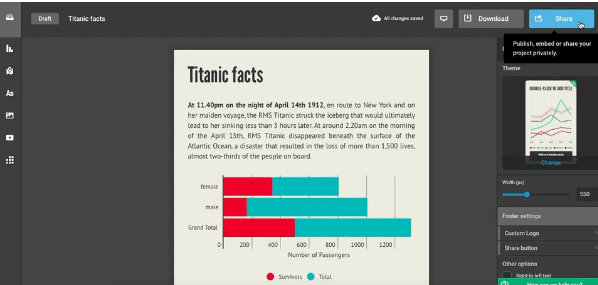
Adobe Spark is a free storytelling tool that lets you blend photos, slideshows, videos, and text into a single standalone webpage. It’s totally free to use, and you can log in via your Adobe account, Facebook, or Google. Built for non-designers, Spark lets you create social graphics, web stories, and animated videos with zero technical skills—perfect for quick marketing assets that still look professional.
02. Pixlr
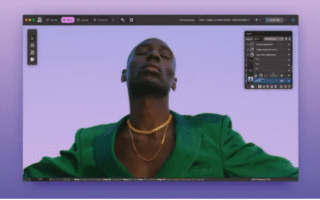
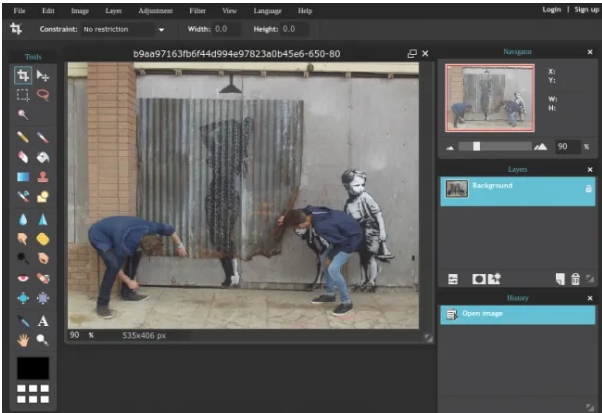
Need to crop an image, add a filter, or touch up a photo fast? For simple edits, there’s no need to shell out for Photoshop or waste time learning complex software. Pixlr is our go-to free, browser-based tool that gets the job done. You can start from scratch, upload a file from your computer, or pull an image directly from a URL. It even includes mid-tier features you’d expect from paid tools: fill, blur, smudge, and more—all without the learning curve.
03. Pablo
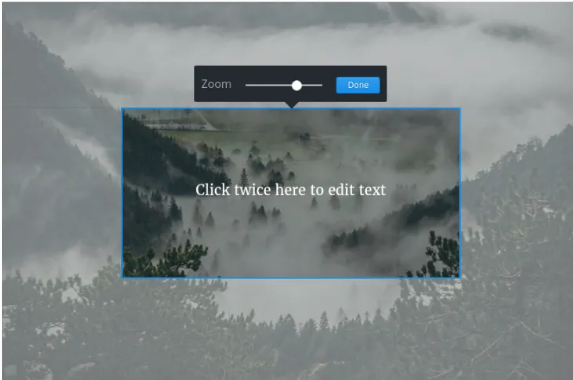
Pablo is another free, browser-based editor designed specifically for social media visuals. The key to standing out on social platforms is pairing great text with eye-catching images, and Pablo makes that process quick and seamless. You can adjust text size, switch fonts or colors, blur photos, convert images to black-and-white, add icons, and tweak details—all in minutes, no design experience needed.
04. Canva
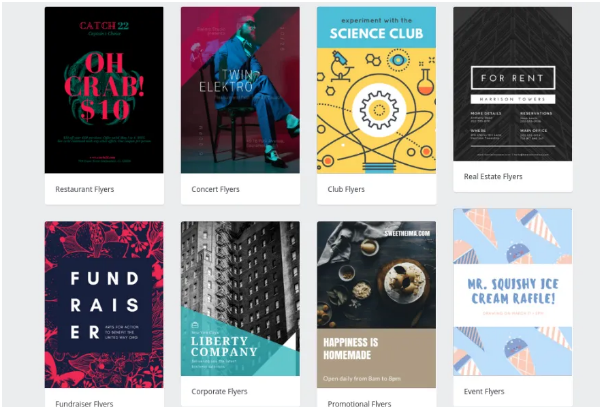
Canva is a fan-favorite free tool that simplifies designing presentations, infographics, ads, social media graphics, and other marketing materials. It uses a drag-and-drop interface and comes with thousands of professional templates, so non-designers can create polished assets in no time. You’ll also get access to hundreds of fonts, photo filters, free icons, and shapes to customize your work. Canva works in your browser or as an iPad app—super flexible for on-the-go marketing tasks.
05. Venngage
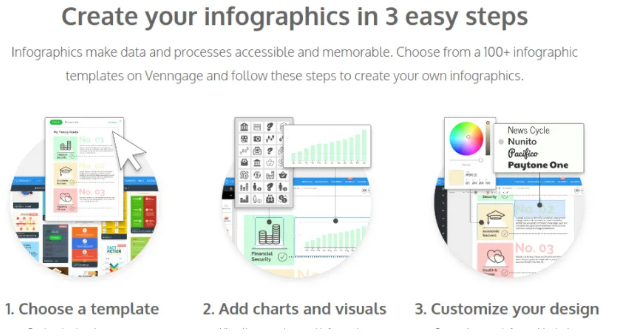
Venngage is an infographic maker that offers over 100 templates to help you tell your marketing story visually. You can spruce up your infographics with icons and images from Venngage’s library, then customize fonts and colors to match your brand. It’s primarily a paid service, but students can take advantage of a free plan—great for startups or teams on a tight budget.
06. Visme
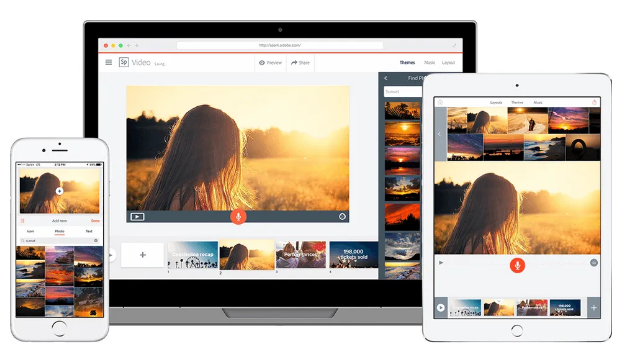
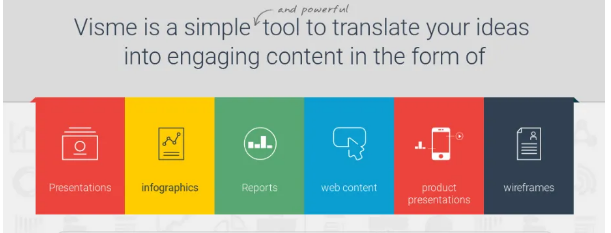
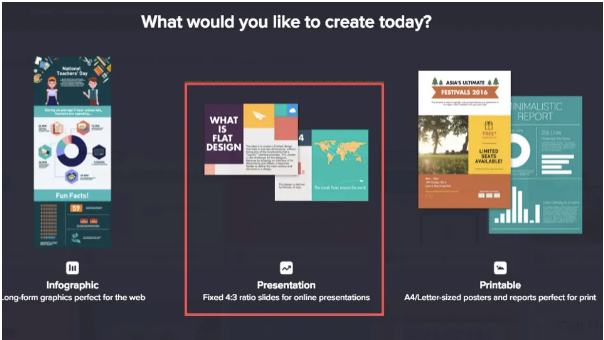
Known as the “Swiss Army Knife of Visual Content,” Visme is an easy-to-use tool for all kinds of marketing and PR designs: presentations, infographics, web banners, animations, print materials, and HTML5 assets. It comes with pre-built templates and a huge library of graphic resources—vector icons, text widgets, audio files, and professional fonts. No design skills required to create impressive visuals, and it offers both free and paid plans to fit different needs.
07. Weld
Weld is a subscription-based platform that lets non-designers create animated, interactive digital content—no coding knowledge necessary. Targeted specifically at marketing teams, it lets you publish your creations as standalone websites or embed them into your existing site. It also integrates seamlessly with popular tools like Mailchimp, Slack, Basecamp, Trello, and social media channels—just drag and drop to connect your content.

08. Piktochart
Piktochart is a subscription service with a user-friendly infographic maker. You don’t need to be a designer to use it—Piktochart’s in-house designers have created over 600 professional templates to choose from. Simply pick a style that aligns with your message, then customize text, fonts, and colors to make it unique. It’s a great option for teams that need consistent, branded infographics without the design hassle.
09. Squarespace
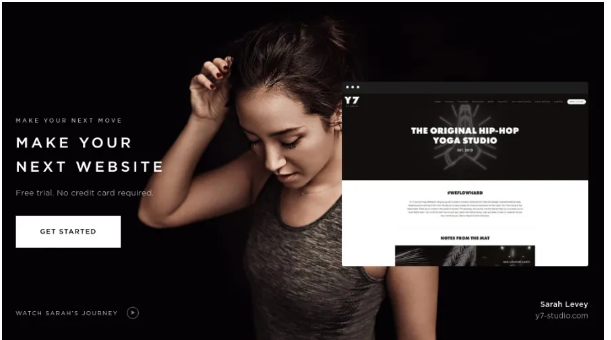
Squarespace is a subscription-based website builder that makes launching a marketing website a breeze—no coding required. It offers tons of stunning templates, so you can create a professional-looking site in hours, not weeks. But it’s more than just a builder: Squarespace also includes a full suite of marketing tools to engage your audience, boost search and social visibility, and grow your customer list—all in one platform.
10. Infogram
Infogram’s goal is to help marketers “communicate data and complex ideas in a visually engaging way.” This paid subscription tool lets you create and share interactive data visualizations: infographics, pie charts, line charts, bar charts, and interactive maps. Business and Enterprise plans include custom templates that let you incorporate your brand colors, logos, and visual assets into titles, icons, and graphs—perfect for data-driven marketing campaigns.