
JavaScript has come a long way from its original role of just adding basic interactivity to web pages. Over recent years, its capabilities have expanded dramatically. The introduction of Node.js was a game-changer, allowing JavaScript to run on the server and opening up a whole new world of possibilities. This evolution led to significant language improvements, culminating in ECMAScript 2015 (ES6) and a new annual release cycle to keep the language moving forward.

Let’s explore some of the most impressive JavaScript tips, tricks, and tools that showcase how powerful the language has become. Whether you’re looking for web design inspiration or wanting to upgrade your development workflow, these picks will change how you think about JavaScript. They’re organized into categories for easy navigation.
01. Write Modern JavaScript with Babel
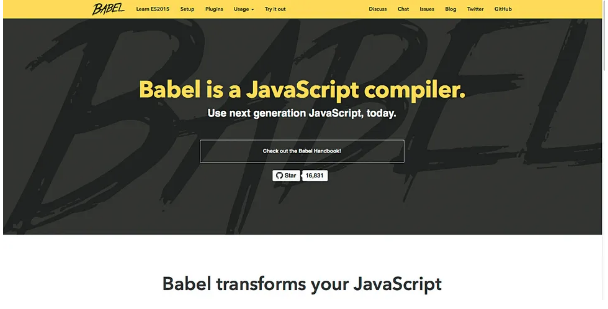
Not every browser supports the latest JavaScript features. That’s where Babel comes in—it converts modern ES2015+ code into backward-compatible JavaScript that runs anywhere. Developers often integrate Babel into their build process using tools like Webpack or Gulp. This lets you use tomorrow’s JavaScript today while keeping your app compatible with older browsers.
02. Master Variable Declarations with let and const
ES2015 introduced let and const for declaring variables. Use let when you need to reassign a variable, and const when you want to prevent reassignment. Note: const doesn’t make objects or arrays immutable—just the variable binding. The key advantage is block-level scoping, which helps prevent bugs caused by variable hoisting in var declarations.
03. Simplify Functions and ‘this’ with Arrow Functions
Arrow functions are more than just a shorter syntax—they also preserve the this context from their surrounding scope. This is especially useful in callbacks and event handlers, where the value of this can be confusing. You can skip the function keyword and often the return statement as well.

04. Clean Up Async Code with Promises
Nested callbacks can quickly turn into “callback hell.” Promises provide a cleaner way to handle asynchronous operations. They let you chain actions, handle errors gracefully, and keep your code readable—even when dealing with complex async logic.
05. Transform Arrays with .map()
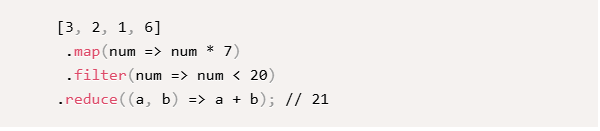
Instead of using a for loop to create a new array from an existing one, try the .map() method. It’s cleaner and more expressive. For example, doubling each number in an array becomes a one-liner.

06. Filter Arrays with .filter()
Need only certain elements from an array? The .filter() method lets you select items based on a condition without writing a loop. Just provide a function that returns true to keep an element, or false to skip it.

07. Summarize Data with .reduce()
The .reduce() method is perfect when you need to compute a single value from an array, like a sum or a product.

It might seem intimidating at first, but it’s incredibly powerful once you get the hang of it.
08. Embrace Immutability with Immutable.js
Immutable data structures can make your app more predictable and efficient. Facebook’s Immutable.js library provides persistent immutable data types like List, Map, and Set that help you write safer and more performant code.
09. Go Full-Stack with Node.js
Node.js lets you use JavaScript on the server. This means you can build entire applications—frontend and backend—using the same language. Sharing code between client and server has never been easier.

10. Tap into npm’s Huge Ecosystem
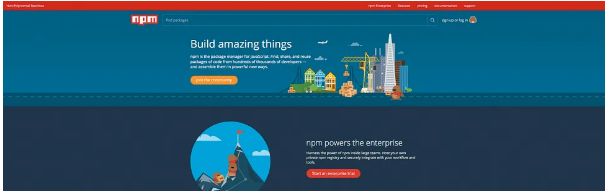
With over a million packages, npm is the largest package registry in the world. It’s your go-to source for libraries, tools, and frameworks—making it easy to add almost any functionality to your project.
11. Manage Frontend Dependencies with npm
Forget Bower—npm is now the standard for frontend dependency management too. You can use it to include everything from JavaScript libraries to CSS frameworks.
12. Build Apps with Angular
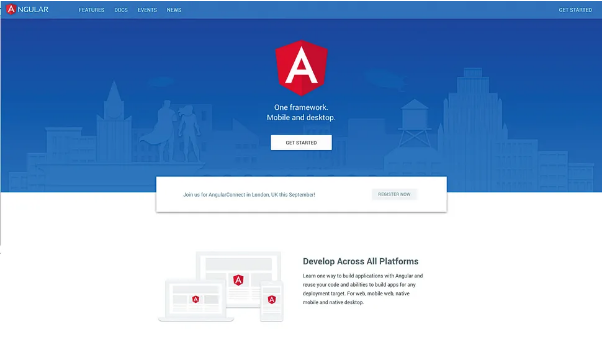
Angular is a full-featured framework supported by Google. It offers a complete solution for building web and mobile apps, with built-in tools for routing, state management, and UI composition.
13. Create Dynamic UIs with React
React changed how developers think about building user interfaces. Its component-based model encourages reusability and makes it easier to manage complex UIs. Paired with a state management library like Redux, it’s a powerhouse for modern web development.
14. Structure Apps with Ember
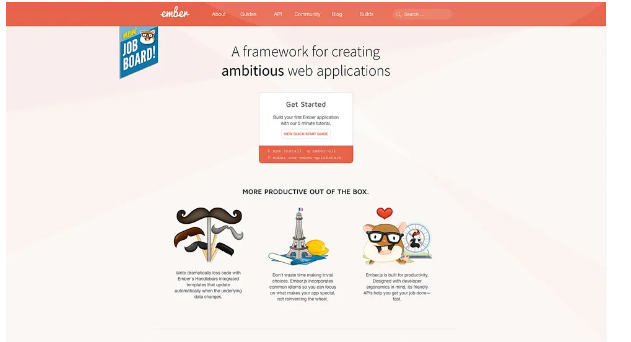
If you like convention over configuration, you’ll appreciate Ember. It provides a solid structure and built-in best practices, helping teams build ambitious web applications efficiently.
15. Manage State with Redux
Redux offers a predictable way to manage application state. It’s especially useful in large apps where tracking data flow can become difficult. It works well with React, Angular, and other view libraries.
16. Test Visually with PhantomCSS
Catch unintended visual changes before they reach your users. PhantomCSS automates visual regression testing by comparing screenshots before and after code changes.
17. Upgrade Your Console Logging
Move beyond basic console.log(). Use console.table() to display arrays of objects as neat tables, or console.dir() for interactive object inspection.
18. Debug with the debugger Keyword
Insert debugger in your code, and the browser’s dev tools will pause execution there. You can then inspect variables, step through code, and diagnose issues more effectively.
19. Skip Semicolons (If You Want)
Semicolons are optional in JavaScript thanks to Automatic Semicolon Insertion (ASI). Many developers now omit them for cleaner-looking code—just use a linter like ESLint to avoid potential issues.
20. Add Types with TypeScript or Flow
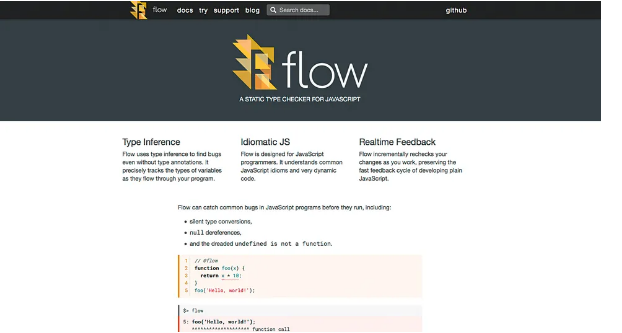
For larger codebases, type safety can be a lifesaver. TypeScript (Microsoft) and Flow (Facebook) bring static typing to JavaScript, helping catch errors during development and making code easier to refactor and understand.